GNANI.AI 2025
01 OVERVIEW
02 HISTORY
03 PAIN PONITS
04 UNDERSTANDING THE SPACE
05 RESULTS & CORE CHALLENGE
06 SOLUTIONS
07 FEEDBACK & IMPROVMENTS
08 IMPACT & LEARNINGS
My Role
Product Strategy
User Research
User Experence
Usability Testing
Timeline & Status
2 months
Team Members
Gautam Maurya, PM
Harshita Yadav, UX Designer
5 Devs
Overview
Redesigned Gnani.ai's Voice Bot Analytics Dashboard to enhance usability, performance, and business insight delivery.
Problem
The analytics dashboard was clutterd, slow, and not built to scale with 200+ agents handling millions of calls daily.
With limited visual appeal, no deep filtering, and a lack of context or business impact metrics, it failed to turn massive voice and chatbot data into actionable insights for clients.
Impact
Final Impact: a scalable, monetizable platform with improved onboarding and advanced AI analytics.,
The Voice Bot (VB) Dashboard helps clients monitor their bot performance and get business insights.
Gnani.ai builds conversational AI products Voice and Chat Bots used by enterprises in various industries (BFSI, Healthcare, etc.).
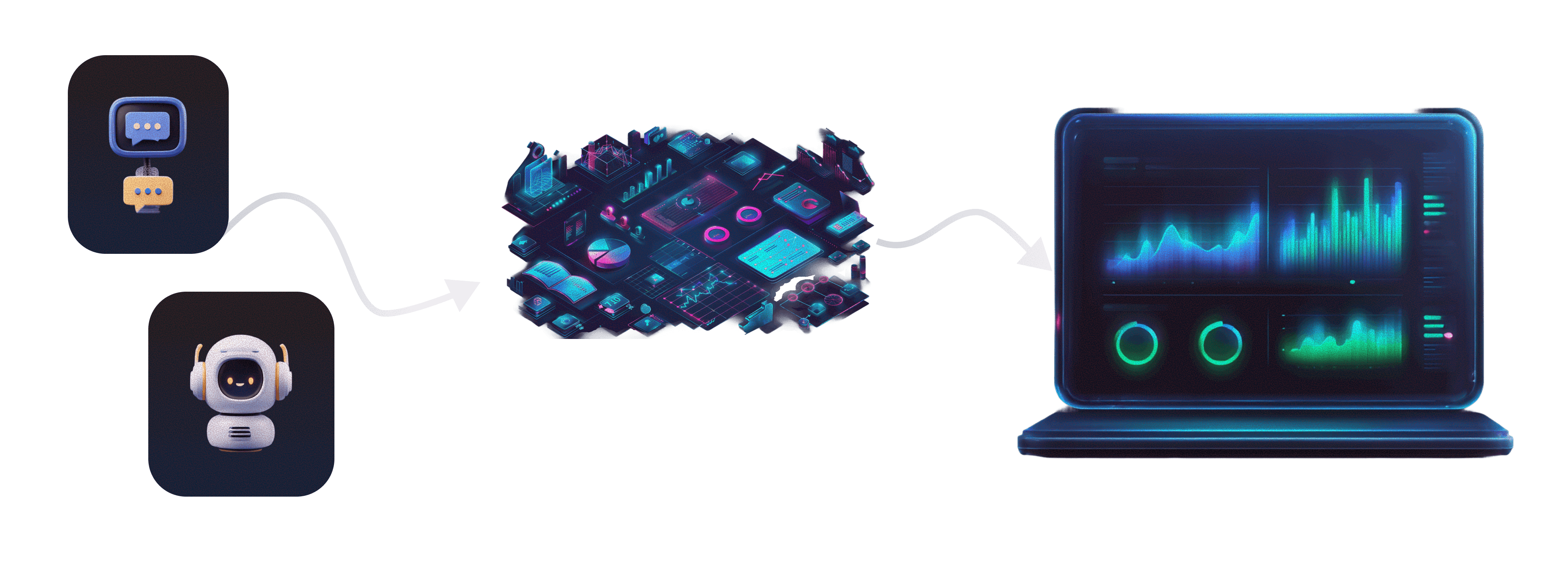
Why ReDesign?
System design limitations - The existing platform had poor information architecture, was visually cluttered, and suffered from performance lags.
Not scalable: Couldn't support growing bots and complex use cases
Lack of actionable insights: There was minimal data visualization or insightful reporting, resulting in poor decision support for clients.
System under load: 200+ Agents and millions of calls daily strained the platform.
PAIN POINTS
Collaborated with Delivery and PM teams to align on needs.
Ran 15+ client interviews to uncover pain points and gaps.
01
Lack of Context in Metrics
"We’re seeing a lot of numbers, but we’re not sure if they’re good or bad. What should we be focusing on?"
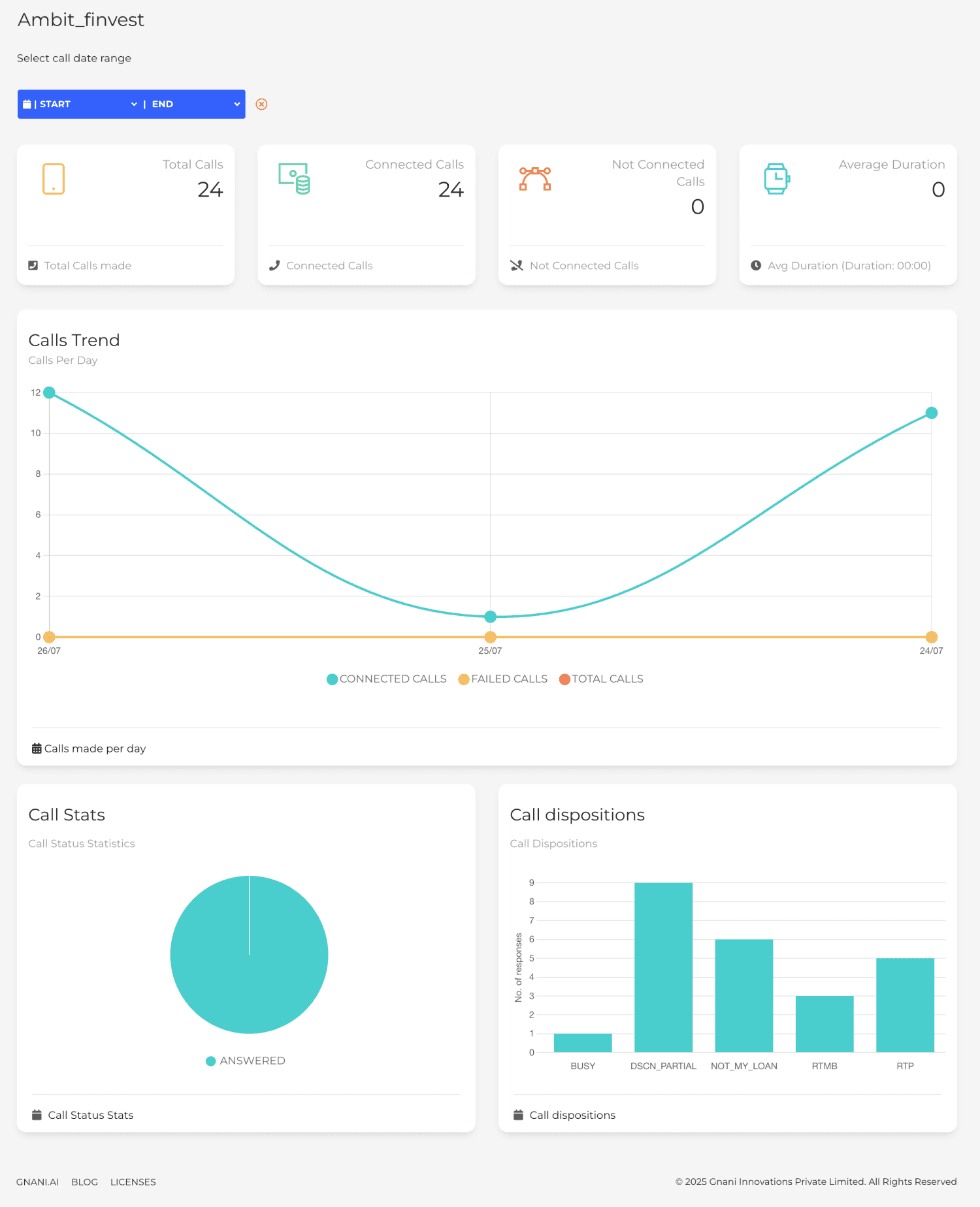
02
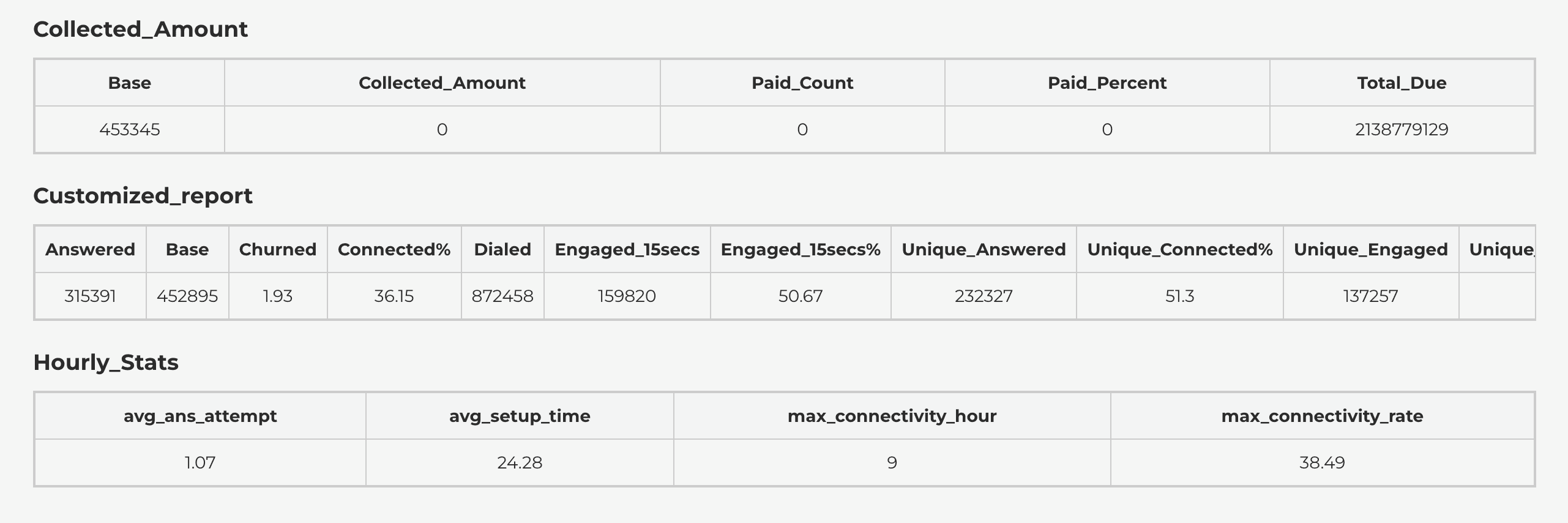
Visually Not Interactive or Engaging Enough
"The dashboard feels static—it’s just numbers and charts. We can’t explore or play around with the data."
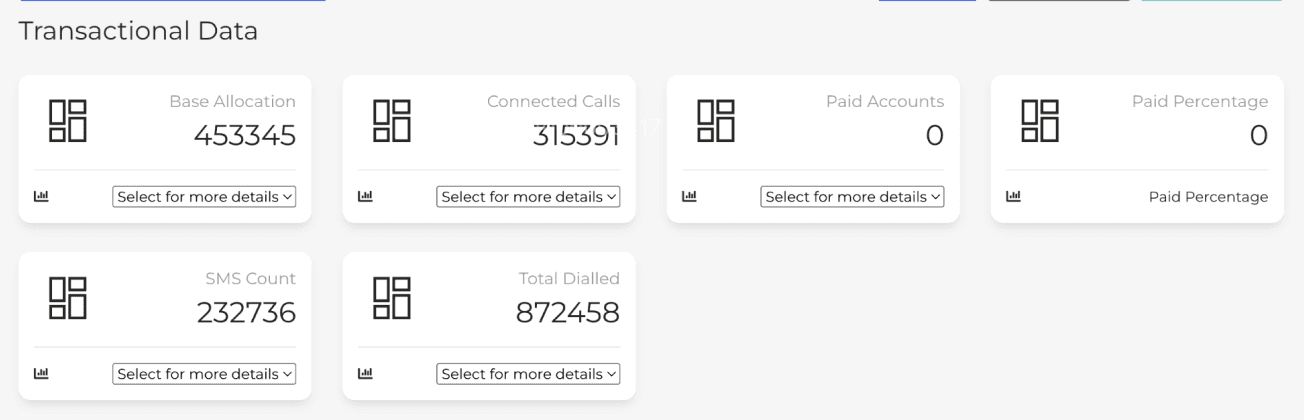
03
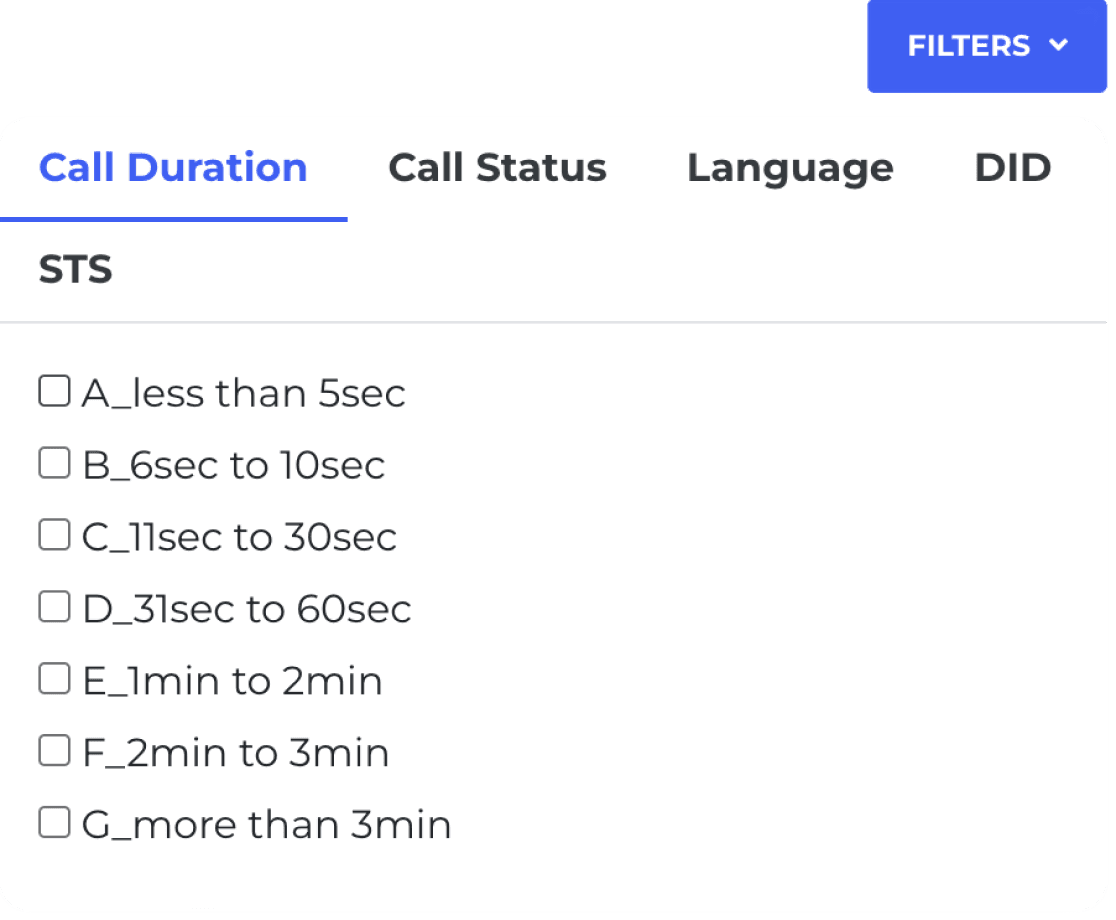
No Drill-Down or Deep Filtering Options
"We want to filter by campaigns or bots. Right now, we can’t explore why something is going wrong."
04
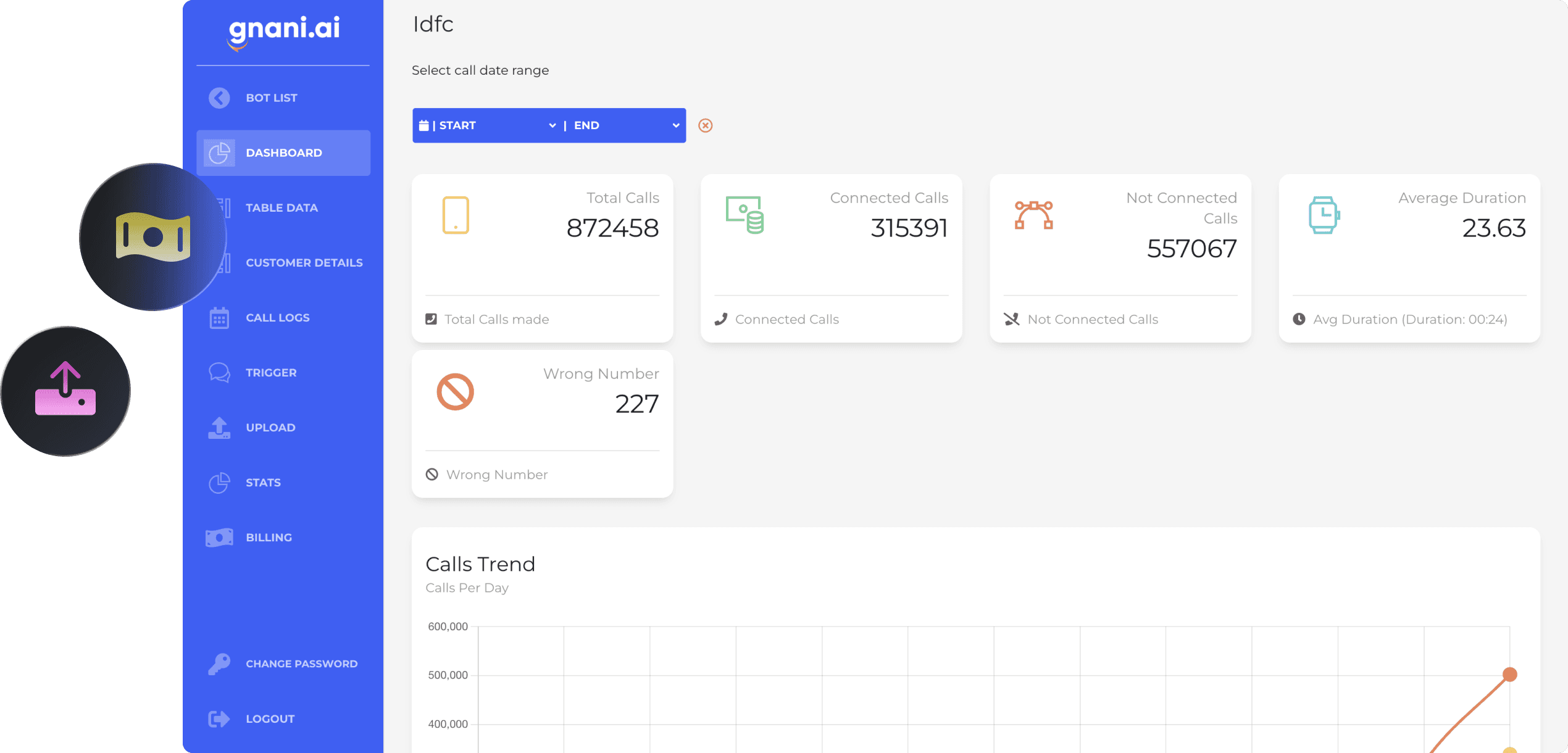
Everything is Visible to Everyone - No Role based access
"Our ops team and business team look at very different things—can we customize the views?"
UNDERSTANDING THE SPACE
To gain a deeper understanding of the product, I studied the existing workflows and how different clients use the platform for various agent types.
Clients are divided by Industries
Ecommerce
Insurance
Banking
Education
Fintech NBD
Telecom
Automative
DTH
Each industry has multiple Use Cases
Announcements
Appointments
Collections
Customer Support
Lead Generation
Renewal
Transactional Validation
Survey
These use cases are managed by three Agent Types
Outbound
Inbound
Chat
Then to breakdown further I studied all the current Dashboards and classified them on the basis of agent type , use cases and metrics used.
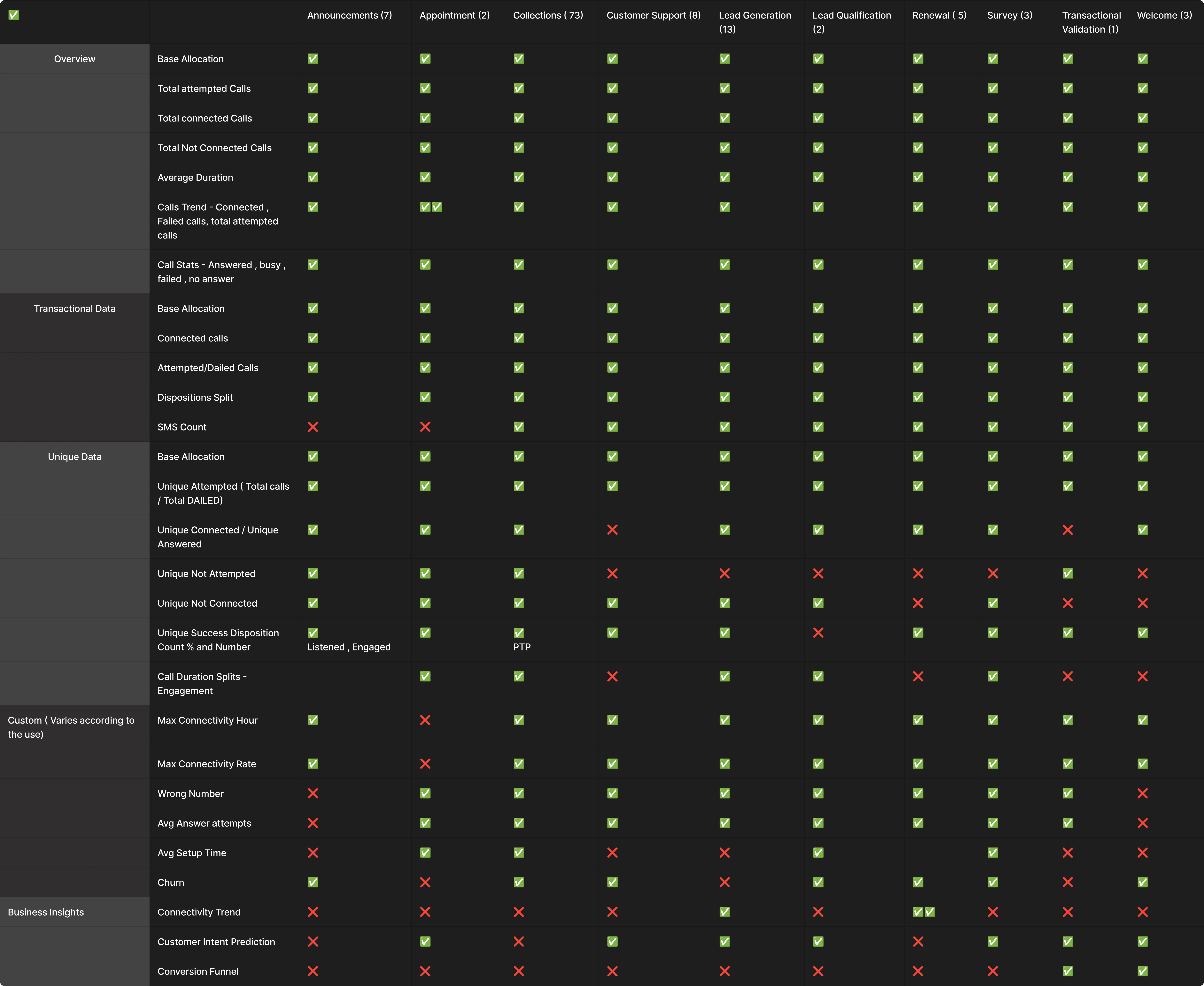
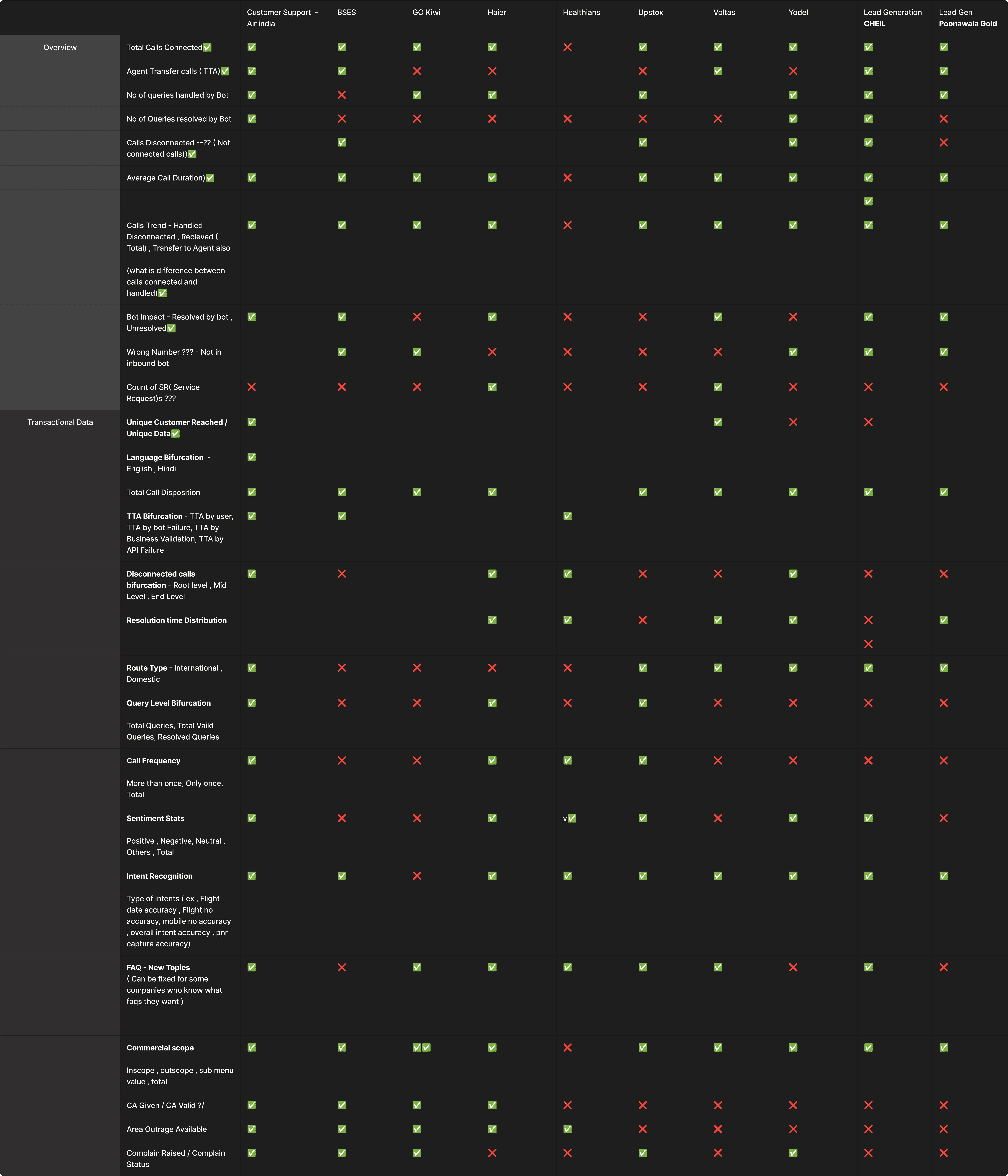
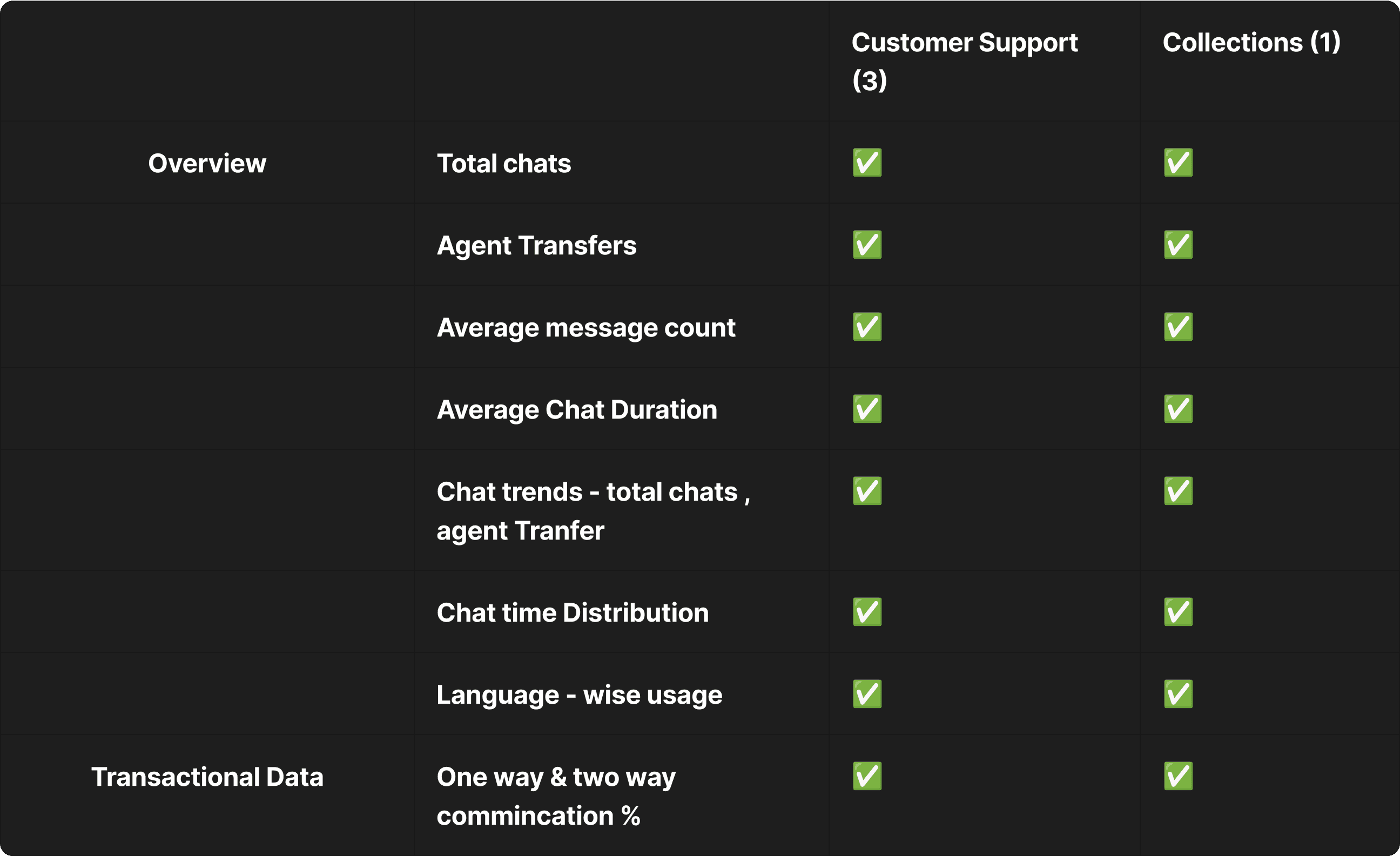
Result : A one-size-fits-all model doesn’t work
Core Challenge
"How do we create a scalable analytics system that reuses what’s common but adapts to what’s unique?"
SOLUTIONS
01
Improved Information Architecture And Restructured layout
Redesigned the information architecture to make the dashboard more scalable, organized, and insight-driven
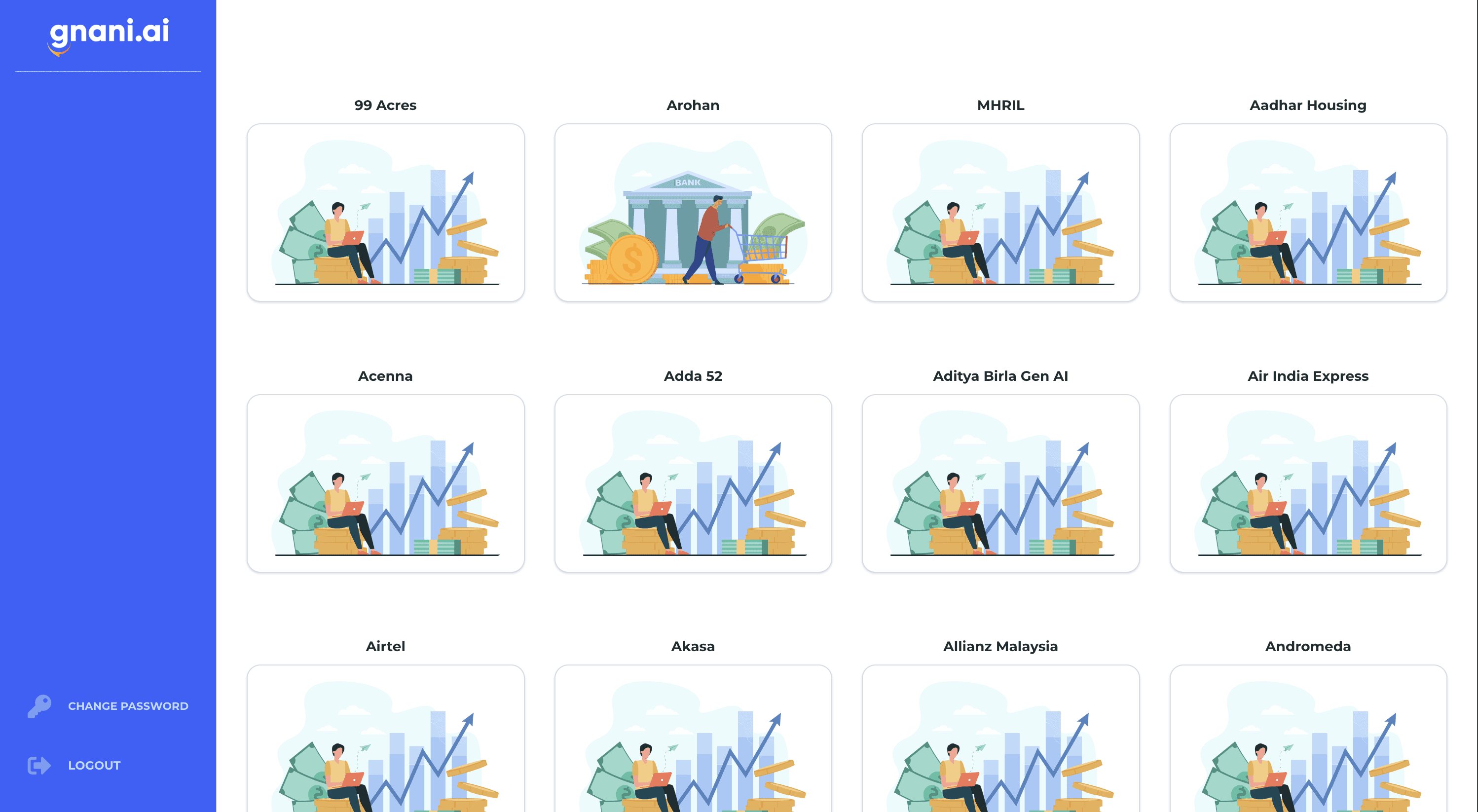
Previously, users could only see bot names with no context, use case clarity, or performance insights.
Grouped bots by use case instead of type to match client decision-making needs.
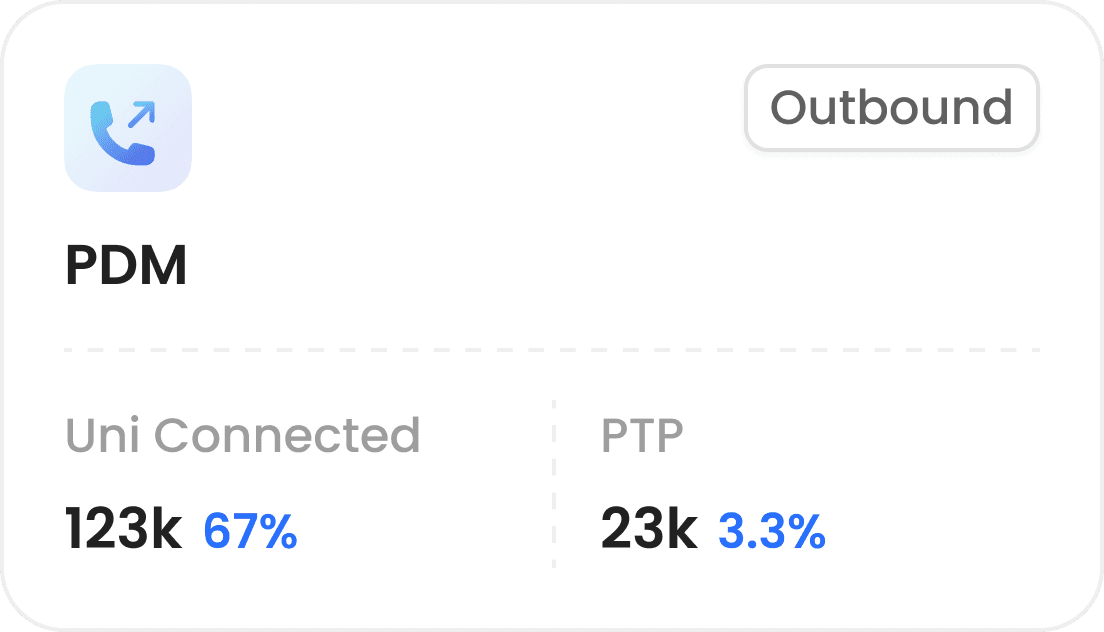
Added Use Case Cards with total bots and key success metrics upfront.
Added Bot Cards showing bot type, name, and key performance metrics.
Enhanced discoverability, context, and scalability for better insights and quicker actions.
Old IA
Select Client
Select a Bot ( All use cases)
View Dashboards
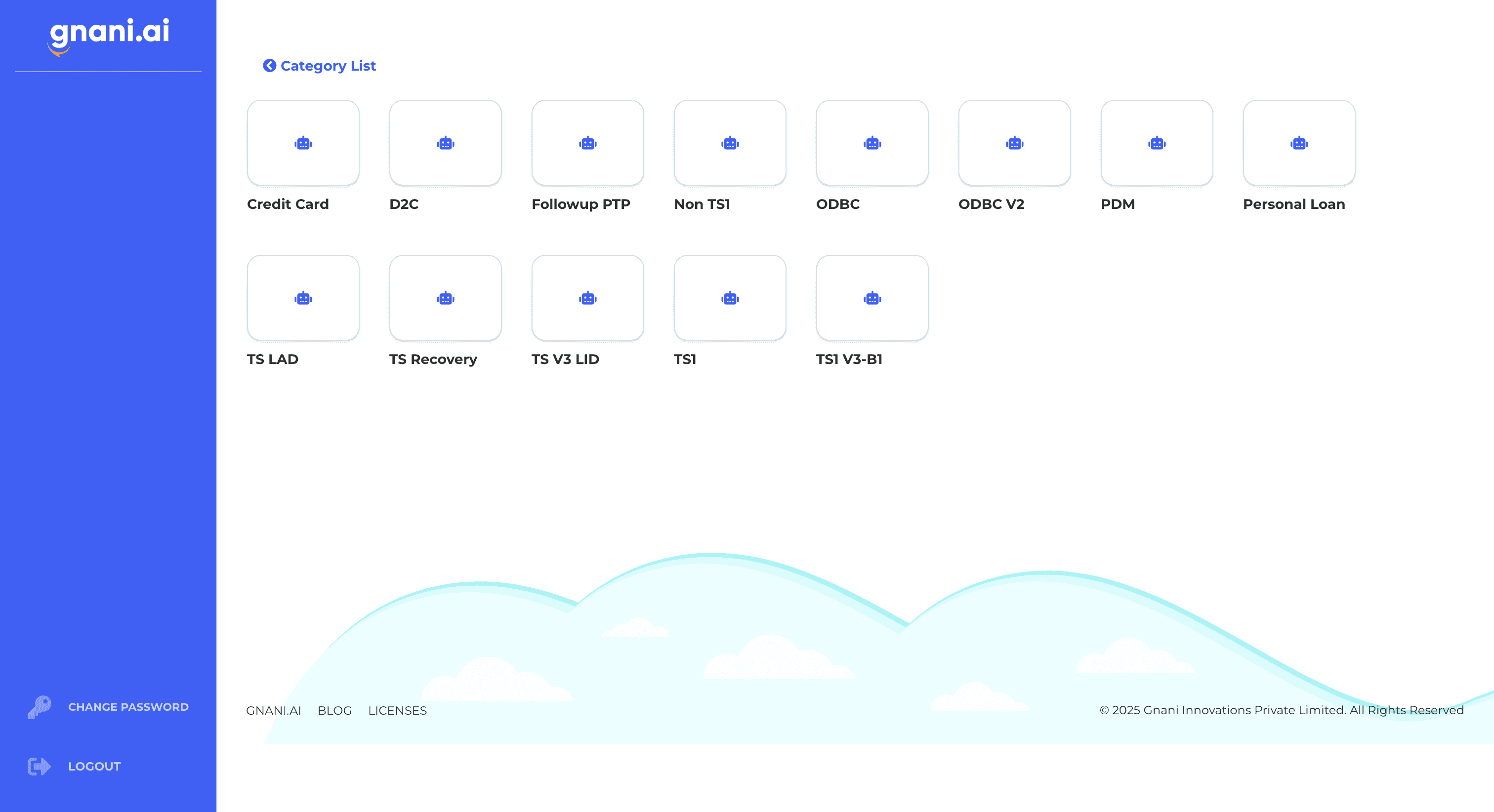
New IA
Select a usecase
Select a Bot
View Dashboards
Use Case Cards
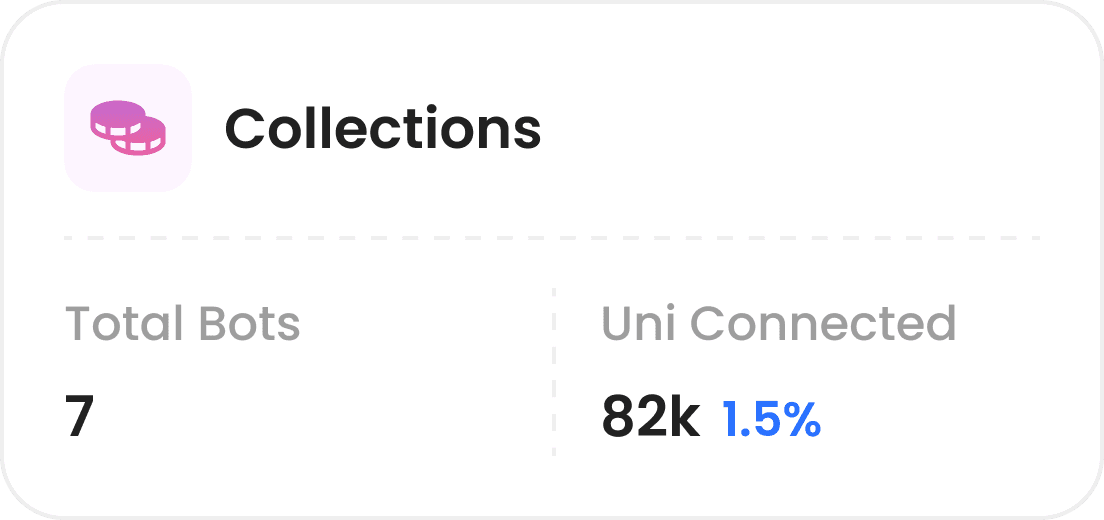
Key Success Metric
Total Bots
Available for the usecase
02
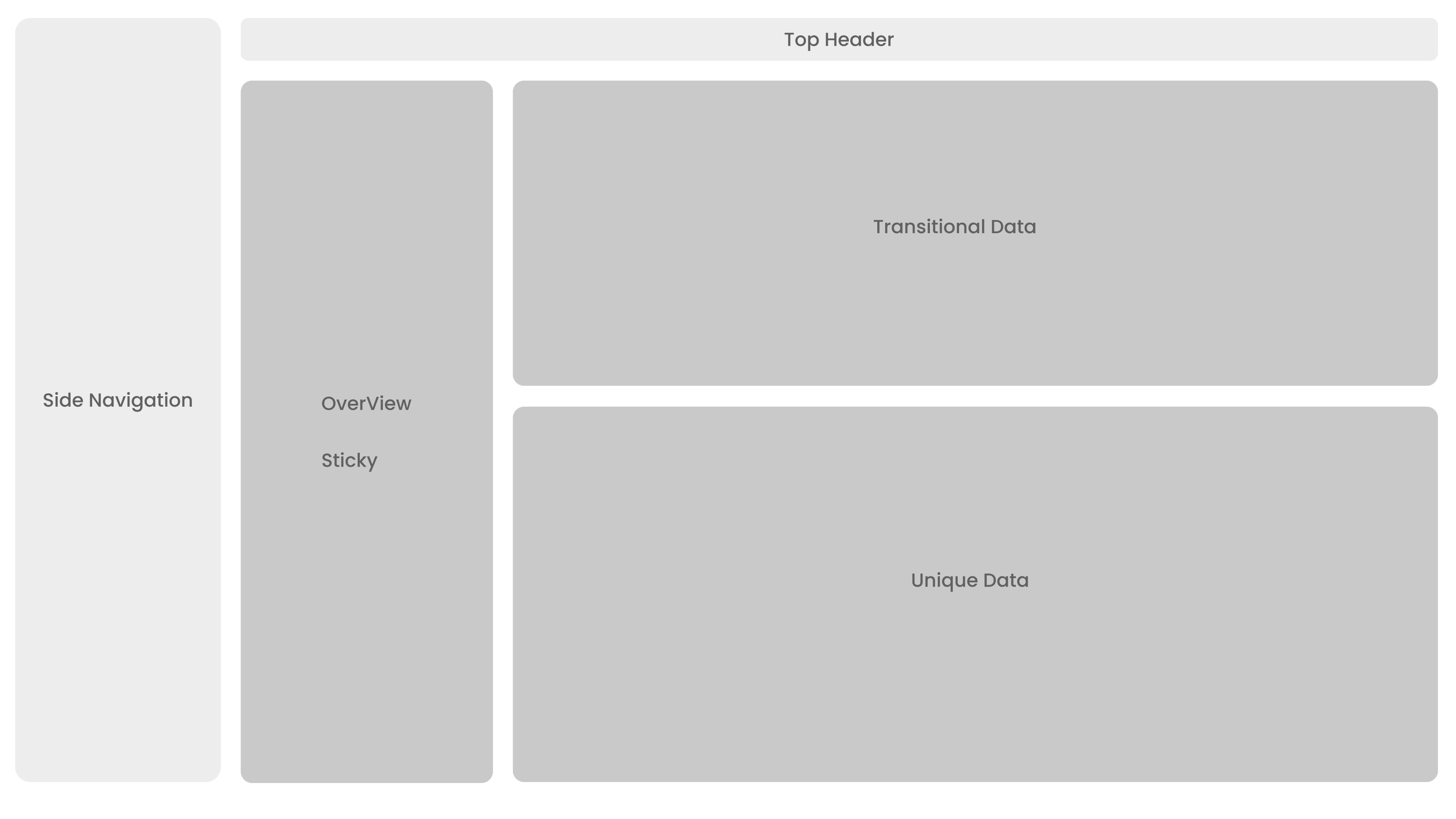
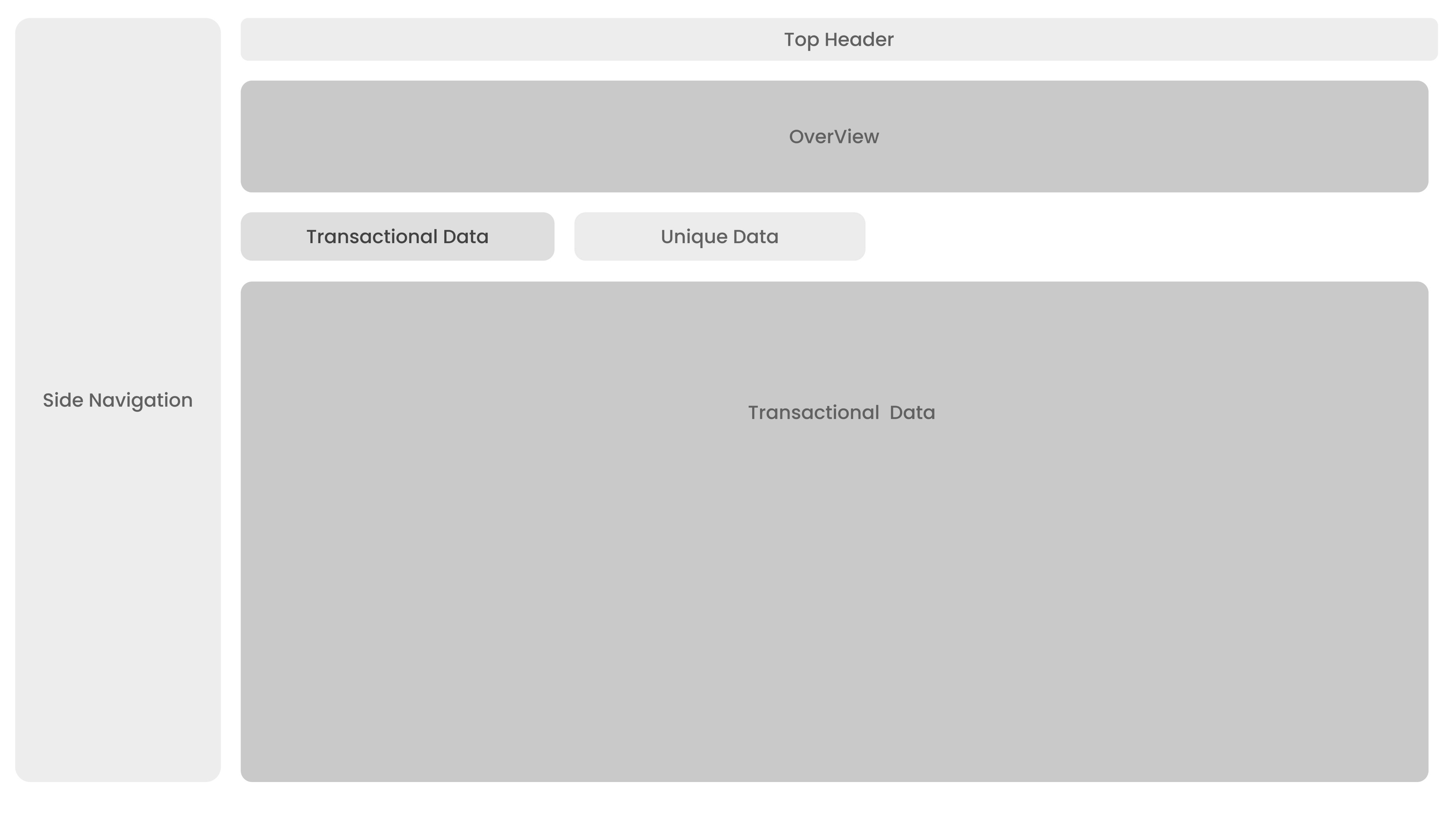
Dashboard Layout Exploration
Explored layout options to support varied workflows and user roles.
Prioritized a modular, responsive system for flexibility across devices and screen sizes.
Focused on clear hierarchy and scalable structure to reduce cognitive load and support evolving data needs.
Ideation 1
Ideation 2
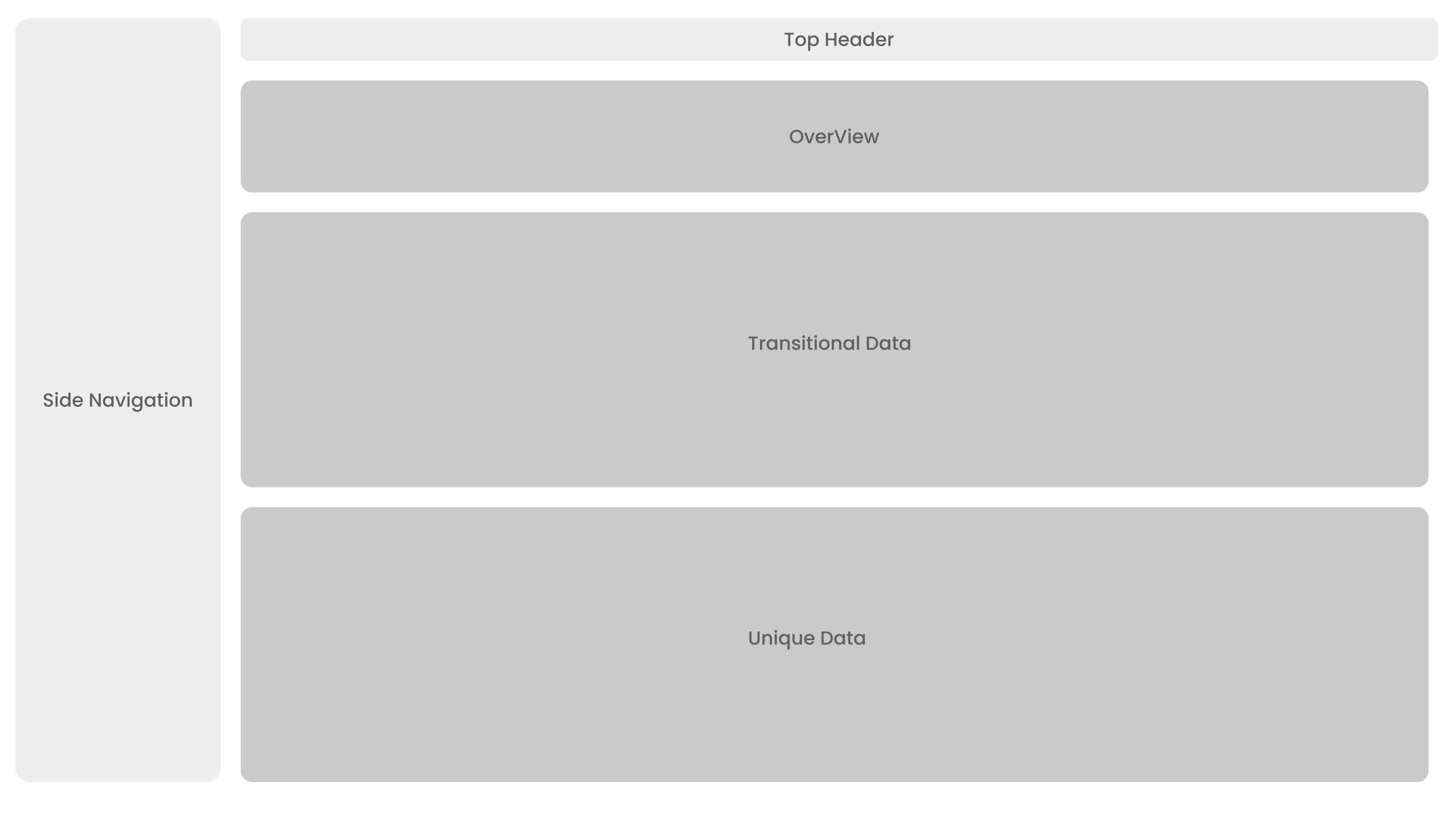
Ideation 3 - Final Layout
03
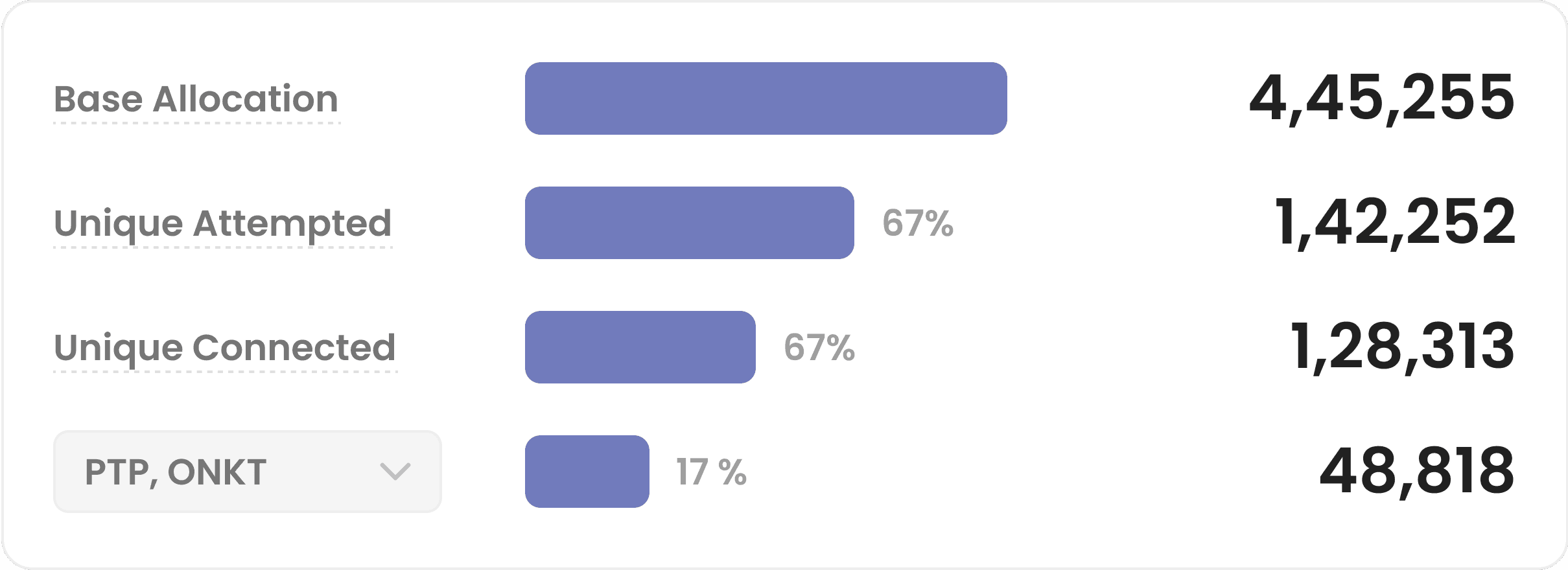
Introducing Visual-First Data Representation
Shifted from static, number-heavy tables to dynamic data visualisations for improved pattern recognition and quicker insights
Enable users to customise chart types ( bar, line, pie etc.) based on context, supporting diverse mental methods and use preferences.
Select the data type and metric you want to view.
Funnel presentation to gather insights at a glance
KPI Trends with Daily, Weekly, Monthly & Cumulative Views
When feedback rewrote the plan
FEEDBACK & IMPROVEMENTS
Balancing Business and Customer needs
Through testing and development, we discovered a smarter way to serve different client needs while reducing strain on our systems.
Identified that in-depth insights were not required by all clients and incurred high processing costs.
Introduced a premium tier for advanced insights (AI-driven analysis, deeper data points).
Retained the standard dashboard for clients with basic needs without insights
Result: New revenue stream + optimized infrastructure usage.
01
Separate page for Insights
The premium analytics suite adds AI highlights, a metrics playground, and a topics explorer, powered by ASR and LLM for fast, focused insights for Specific clients.
Topics Explorer – View all customer top call topics, pinpoint fallbacks, and filter by in-scope or out-of-scope
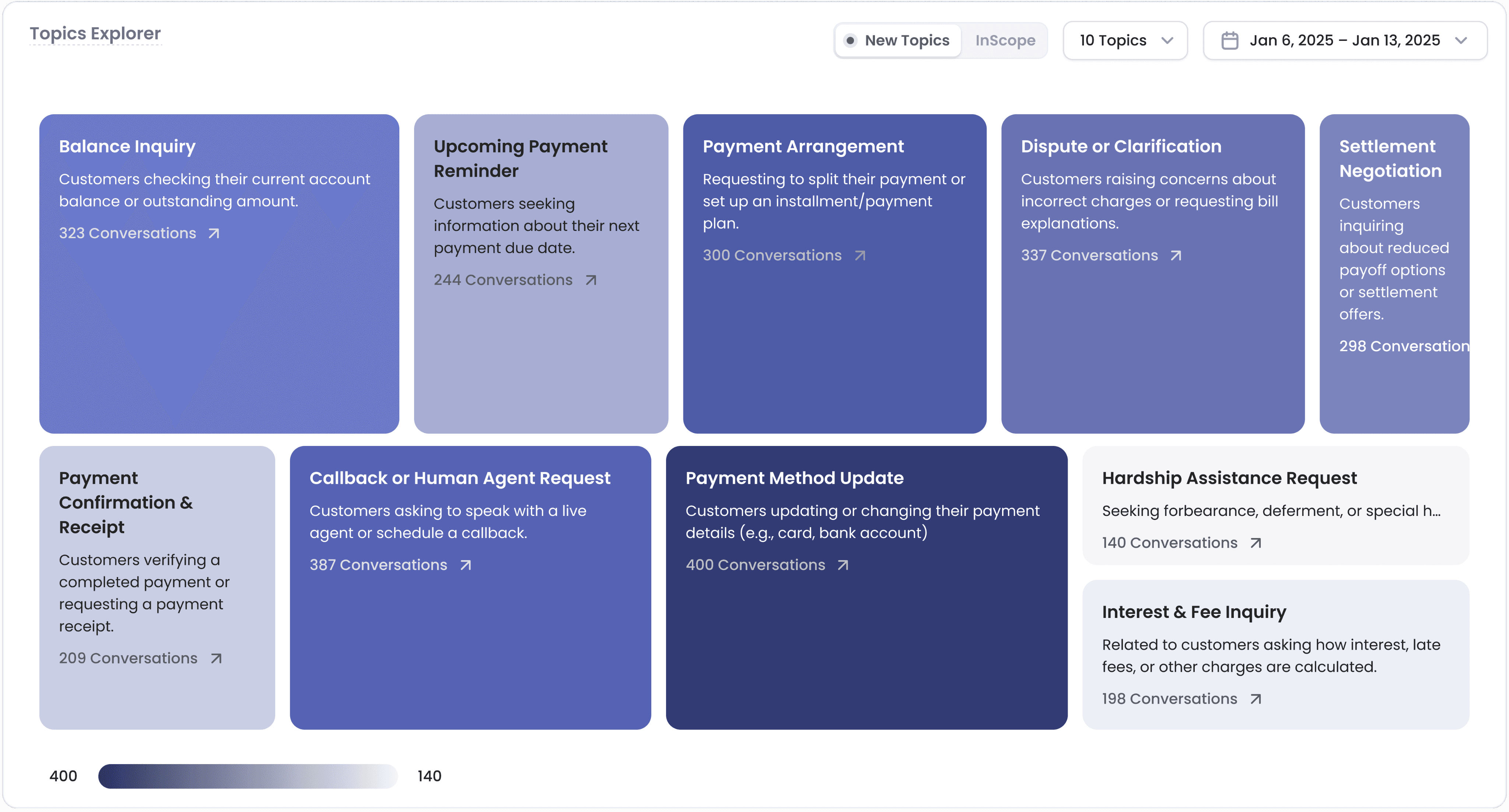
No. of Top Call Topics
Filter by Date
Customizable Metrics Playground – Interactive space to view and compare chosen metrics by adjusting X and Y axis
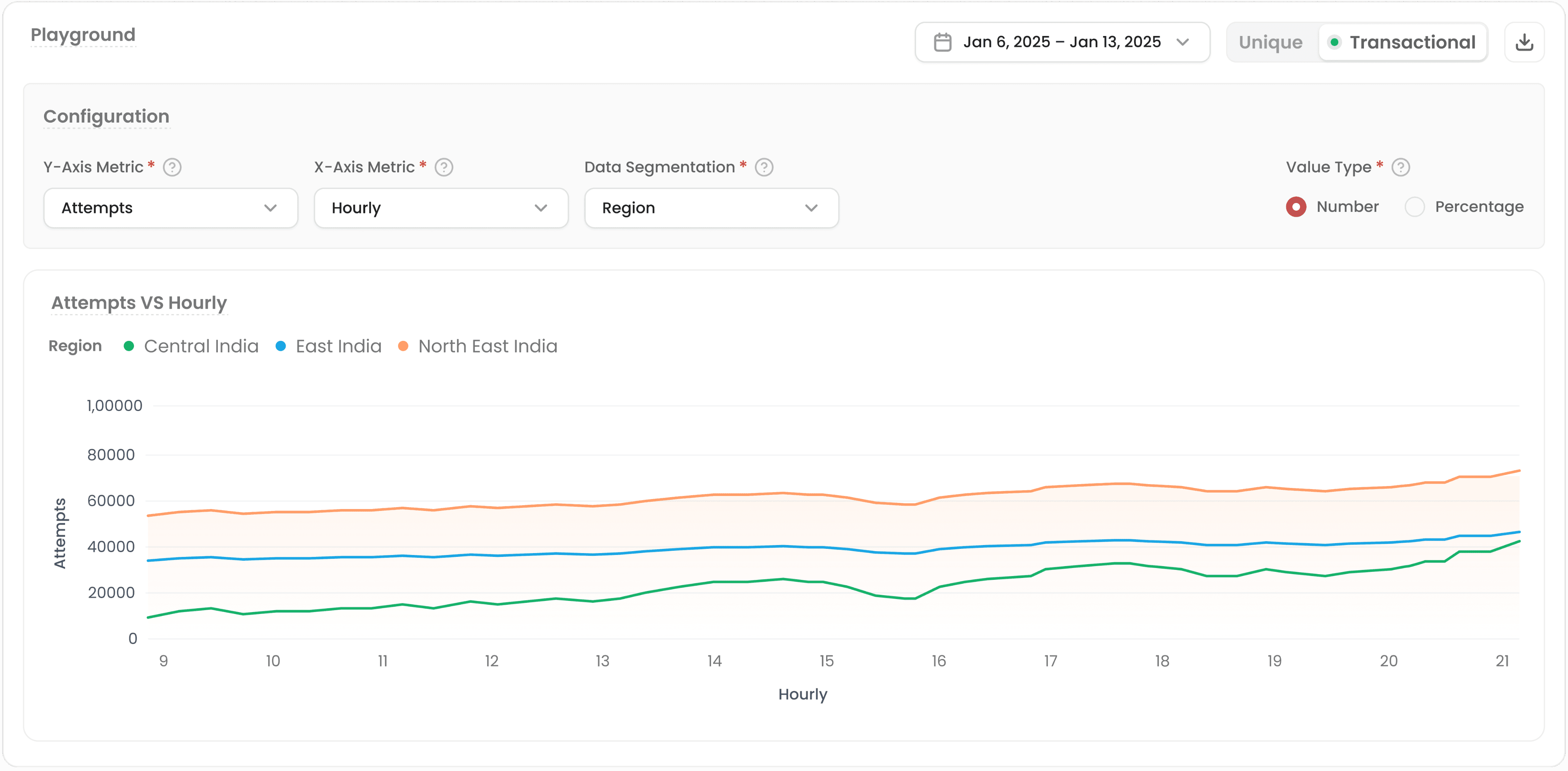
Filter by Date
Select the type of Data
Select the Value Type
IMPACT & LEARNINGS
Impact
The premium analytics suite adds AI highlights, a metrics playground, and a topics explorer, powered by ASR and LLM for fast, focused insights for Specific clients.
40%
Internal teams saved manual effort with modular, scalable designs
Weekly 35 reports were sent manually which now can be automated
~18%
Increase in user satisfaction
💰 The Insights page became a monetizable add-on, generating new revenue
Learnings
Designing for AI at scale requires deep backend + NLP collaboration
Good UX = understanding business + tech feasibility
Client conversations > assumptions.
Not every user needs everything, progressive disclosure works wonders
Overview
Content
Publish